
 Online Services
 Application Inquiry
 Pay Assurance Fee
 Query Installation Number
 Compensation Fee Inquiry
 Automatic Payment Order Inquiry
 Partnership
What is in this article?
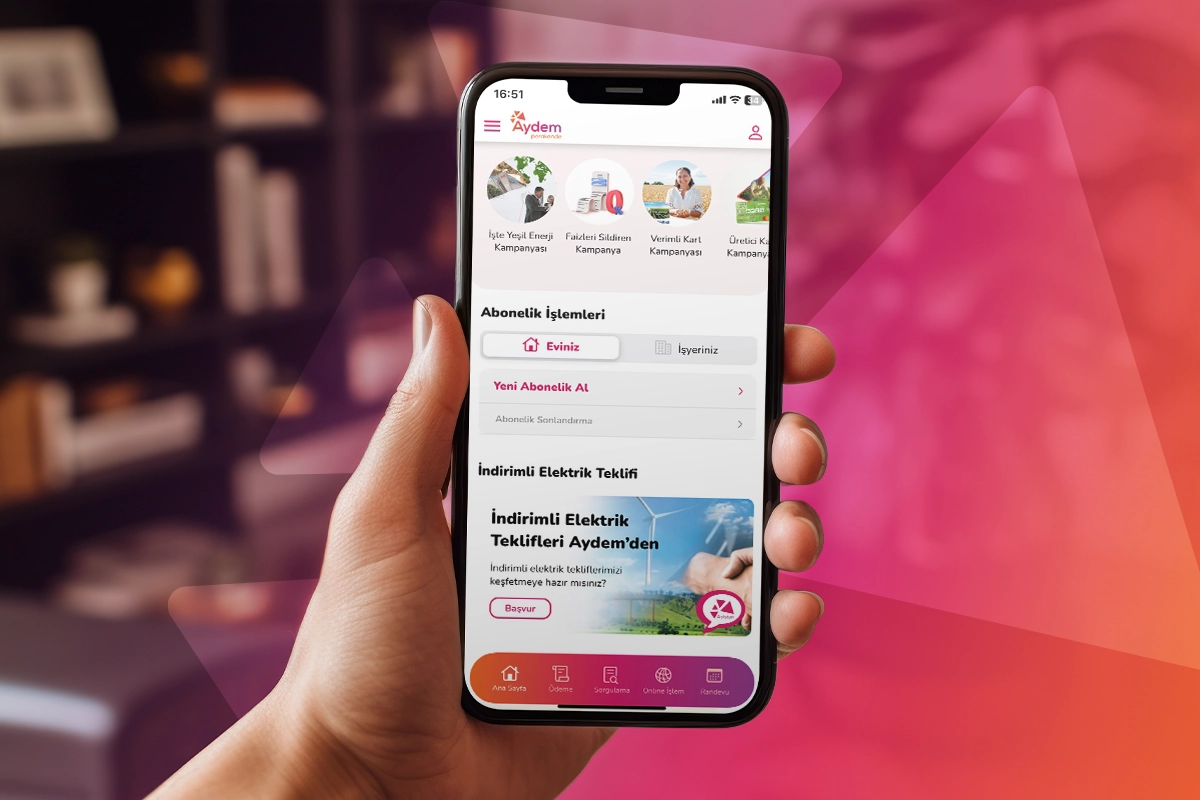
You no longer need to wait in line at branches or spend time on customer service lines to manage your electricity subscription, pay your bills, or track your energy consumption. The Aydem Perakende Mobile App brings all these services directly to your fingertips. Transforming digital energy management into a user-friendly experience, Aydem Perakende enables you to securely manage your transactions anytime, anywhere through its mobile app.
More than simply saving time, the app helps you analyze your consumption habits and keep track of your bills, bringing the convenience of the digital age to the comfort of your home. In this guide, we explain step by step how to download the Aydem Perakende Mobile App to your device, easily complete your account activation, and quickly access the services you need by navigating through the app's menus.
What Is the Aydem Perakende Mobile App Used For?
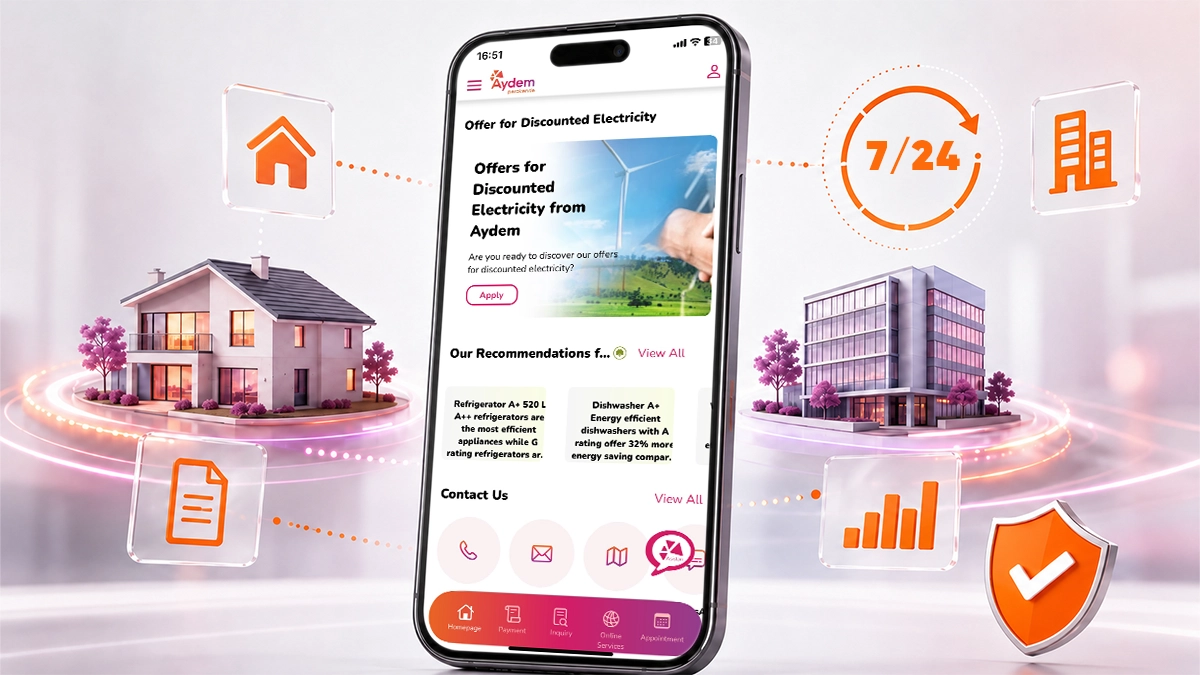
The Aydem Perakende mobile app is a digital platform that allows electricity customers to manage a wide range of services 24/7 without visiting a branch, including bill payments, outstanding balance inquiries, monthly consumption tracking, and starting or terminating electricity subscriptions.
With a single app installed on your smartphone, you can manage all the operational services related to your electricity consumption from one central platform. The app's comprehensive digital experience also allows users to analyze their consumption habits. Once you log in to your profile, you can instantly view up-to-date information about your contract accounts. This is particularly convenient for users who have subscriptions for more than one home or business, as they can easily track all their contracts through the same platform.
If you would like to explore the complete list of features offered by the app and learn more about its vision, you can visit our Aydem Perakende mobile app introduction page.
 How to Download the Aydem Perakende Mobile App? (iOS, Android, AppGallery)
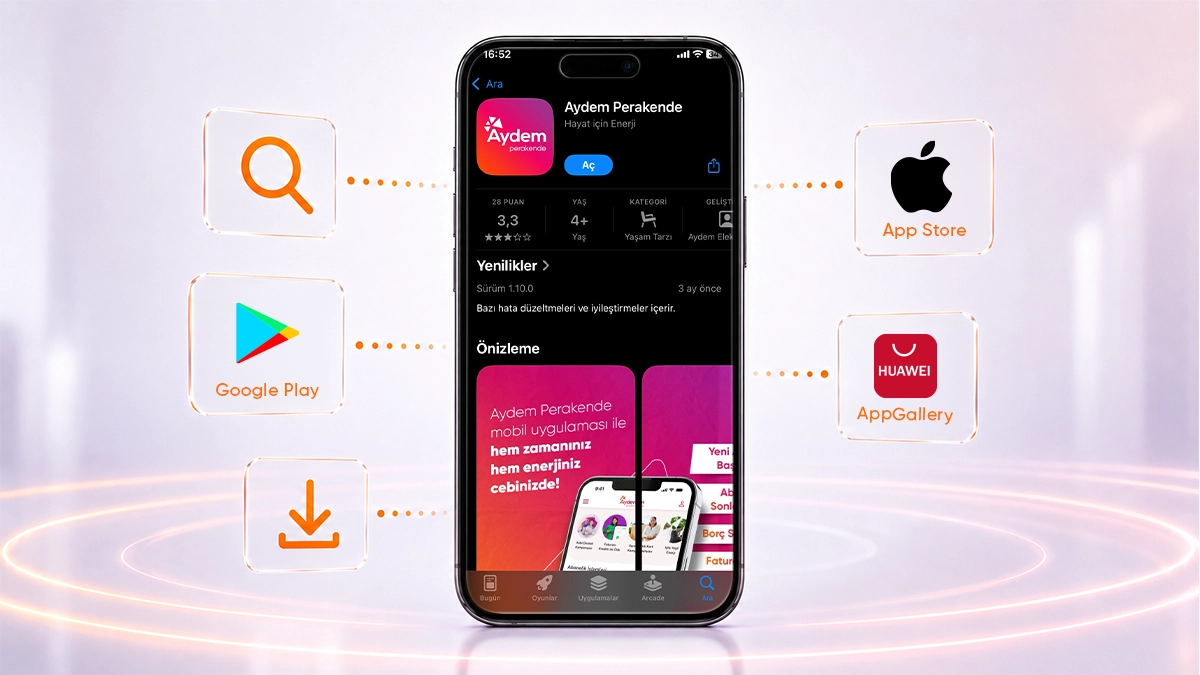
To download the Aydem Perakende mobile app, simply open the App Store, Google Play, or Huawei AppGallery store compatible with your smartphone's operating system, search for the app by name, and install it. Optimized for different devices and operating systems, the app can be safely installed on your device in just a few simple steps.
You can follow the steps below to install the app on your smartphone or tablet:
- Open the official app store for your device's operating system from your smartphone's menu: App Store for Apple devices, Google Play Store for Android devices, or AppGallery for Huawei devices.
- Tap the search icon located at the top or bottom of the store and enter "Aydem Perakende" in the search bar.
- From the search results, find and select the official and verified app developed by "Aydem Elektrik Perakende Satış A.Ş."
- To start the download, iOS users can tap the "Get" button on the App Store page, while Android users can tap the "Install" button on Google Play.
- Huawei users should follow the same process through AppGallery. Once the download is complete, your device will automatically finish the installation. Tap "Open" to launch the app.
How Do You Log In to the App?
To register and log in to the app, tap the "Sign Up" option that appears when you open the app for the first time. You can then create your personal profile using your Turkish ID Number, contact information, and a password of your choice. Designed with your security as a priority, this registration process complies with applicable standards for the protection of personal data.
Users logging in for the first time can securely complete the login process by entering their Turkish ID Number/Tax Identification Number, date of birth, and mobile phone number, providing the required permissions and approvals, and entering the verification code sent to their mobile phone. Designed with your security as a priority, this login process is carried out in compliance with applicable legislation on the protection of personal data.
Follow these steps to register and log in to the system:
- Open the app installed on your phone and enter your basic identification details in the login screen exactly as they appear on your official identity document.
- Enter the mobile phone number you actively use for communication and account verification, as well as your email address, in the relevant fields.
- Read and approve the explicit consent and disclosure notices to proceed.
- A verification code will then be sent to your mobile phone via SMS. Enter this code in the relevant field to complete the login process.
 What Transactions Can You Perform Through the App? (Step by Step)
You can securely perform a wide range of transactions through the app within seconds, including paying your bills, viewing detailed outstanding balance information, starting a new electricity subscription, or terminating your existing subscription. You can quickly access the details of your transactions through the app's menus and manage your energy with ease.
Bill payment:
By following the payment steps on the home screen, you can pay your bills using a credit or debit card through a secure 3D Secure infrastructure. If you would like to learn about other ways to pay your outstanding balance by selecting your contract account number, you can visit our bill payment page.
Outstanding balance inquiry and tracking:
You can use the outstanding balance inquiry menu in the Aydem mobile app to view detailed information about your current and previous bills. This allows you to transparently view all paid and unpaid amounts. To learn how the process can be managed through different channels, you can also refer to our outstanding balance inquiry guide.
Subscription services:
If you have moved into a new home and want to start an electricity subscription, or if you are moving and want to terminate your existing contract, you can submit a request through the "Subscription Services" menu on the home screen. For the required documents and further steps in the digital process, you can visit our subscription services page.
Consumption analysis:
After logging in, select "Consumption Comparison" under the "Online Transactions" button to compare your electricity consumption from month to month using graphical data. You can also visit the "Our Energy-Saving Tips" page on the home screen to identify areas where you can save energy.
Frequently Asked Questions (FAQ)
Is the Aydem Perakende mobile app free?
Yes. Downloading, installing, and using the Aydem Perakende mobile app is completely free of charge. You can download the app to your device free of charge from the App Store, Google Play, or AppGallery. In addition, no extra commission is charged for transactions carried out through the app, such as bill payments or subscription services.
Can I pay my bill through the app without logging in?
Yes. Although logging in is recommended to access advanced features such as consumption tracking, you can also pay your bill without logging in. Simply tap the "Payment" button on the app's home screen, enter your contract account number, check your outstanding balance, and complete your payment quickly using your card details.
Which devices does the app support?
The Aydem Perakende mobile app works seamlessly on smartphones and tablets running current versions of iOS, Android, and HarmonyOS. For the best user experience, make sure your device's software is up to date and that the official app stores are supported on your device.




Leave a Comment