
 Online Services
 Application Inquiry
 Pay Assurance Fee
 Query Installation Number
 Compensation Fee Inquiry
 Automatic Payment Order Inquiry
 Partnership
What is in this article?
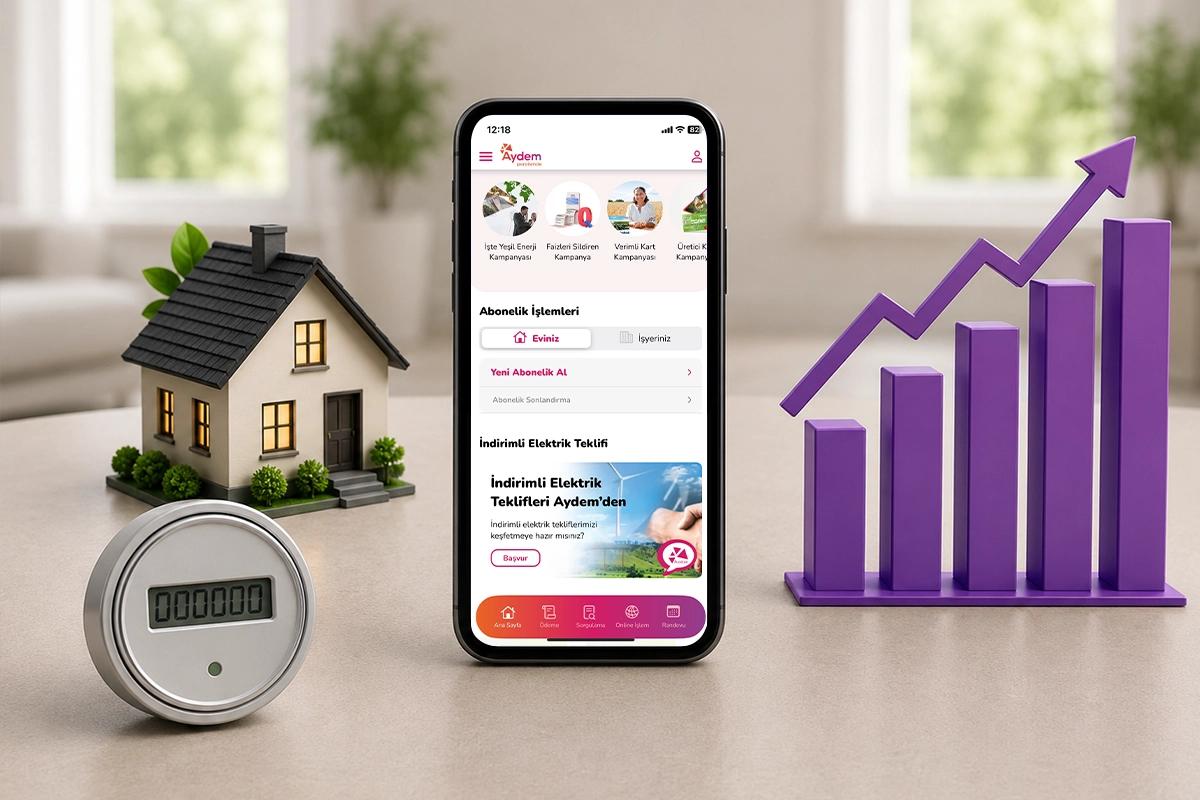
Tracking your electricity consumption is one of the most effective ways to keep your monthly electricity expenses under control. By monitoring your consumption regularly, you can track your kWh usage, compare it with previous periods, and prevent unexpectedly high bills. Managing your household budget effectively and using resources efficiently starts with regularly reviewing your consumption habits.
Energy consumption can easily go unnoticed amid the pace of daily life, potentially resulting in unexpected bills at the end of the month. Regularly monitoring your electricity consumption helps you maintain greater control over your household finances and avoid such surprises.
Tracking your electricity expenses is not simply about knowing your current outstanding balance; it also helps you understand how energy is used in your living spaces. Thanks to increasingly digitalized subscription infrastructure, accessing historical data and analyzing consumption trends is now much easier. In this article, you can discover how to keep your electricity expenses under control regularly by using the right methods and modern tools.
 Why Is It Important to Track Your Electricity Expenses?
Tracking your electricity expenses is important because it helps you manage your budget effectively and avoid unexpectedly high bills. When you monitor your expenses on a monthly basis, you not only gain an understanding of how much you will pay at the end of the month but also gain a clearer picture of your household's energy consumption profile.
Users who regularly monitor their electricity consumption can quickly identify sudden increases in their expenses. For example, if your electricity consumption rises unusually even though you have not started using a new appliance at home, this may indicate a faulty appliance or a problem with your electrical installation.
The key to identifying potential problems early is knowing your consumption history. In addition, understanding your actual electricity consumption, independently of external factors such as inflation, tariff updates, or changes in tax rates, enables you to make more reliable financial plans. Being able to anticipate your monthly expenses gives you greater flexibility and confidence when deciding how much of your household budget can be allocated to other expenses.
5 Steps to Track Your Electricity Expenses
You can note the kWh consumption shown on your bill.
You can compare your current bill with your previous bills.
You can assess seasonal changes in your consumption.
You can monitor sudden increases in consumption.
You can make use of digital tools such as Online Transactions and the Invoice Assistant.
Understanding Your Electricity Expenses by Reading Your Bill
The most basic way to understand your electricity expenses by reading your bill is to check the total amount of electricity consumed (kWh) between the "Initial Reading" and "Final Reading" dates shown on your bill.
Electricity bills are not merely receipts showing the total amount due; they also provide a summary of your monthly energy usage. When tracking your expenses, rather than getting lost in the details of financial terms on your bill, you should focus on the metrics that directly reflect your consumption performance.
Correctly interpreting the consumption values shown on your bill is the first step toward controlling your expenses. The key areas to pay attention to include:
- Billing Period and Number of Days: Check how many days of consumption the bill covers. The total amount on a bill covering 25 days cannot be expected to be the same as one covering 35 days.
- Active Energy Consumption: When monitoring your expenses, you should focus directly on the amount of energy you have consumed rather than current tax rates or periodic tariff charges shown on your bill. Even if current unit prices change, the main criterion for tracking your expenses should be the amount of energy you consume.
- Multiplier Value: Particularly for large-scale premises or certain types of meters, this value is used to reflect the consumption index on the bill. You can check whether the multiplier value remains consistent.
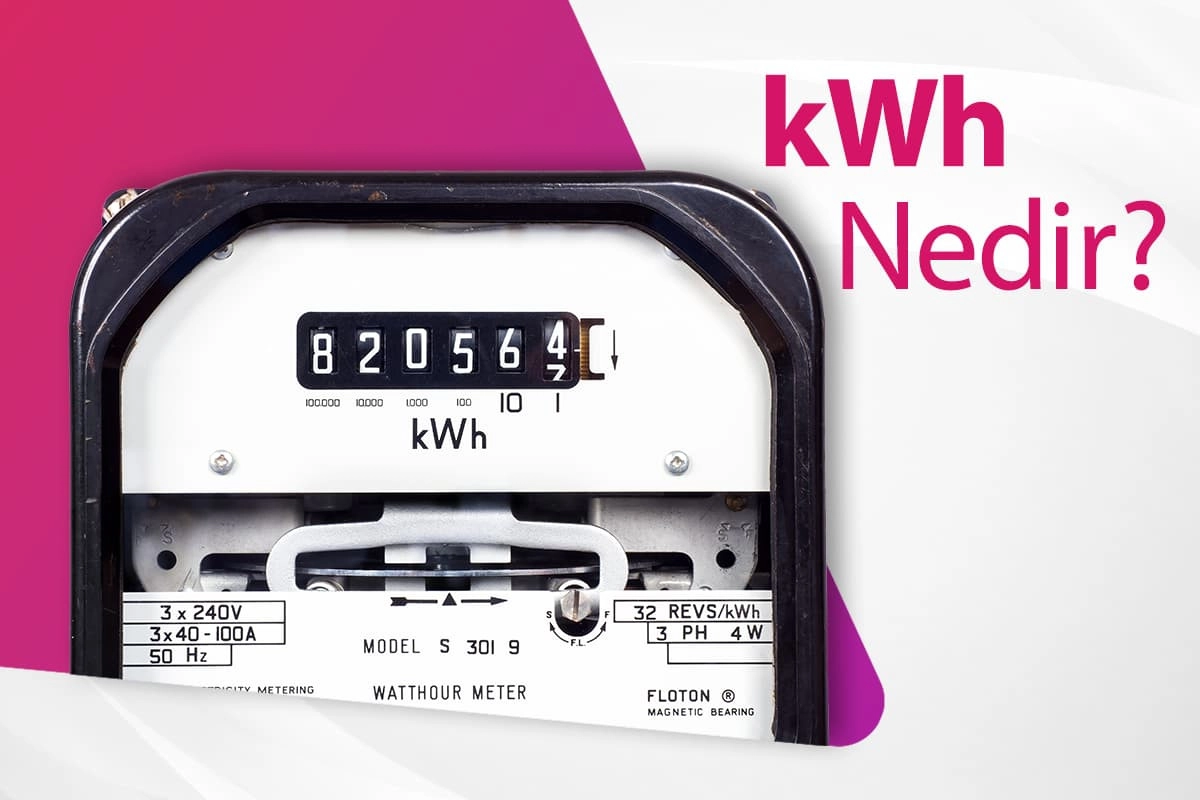
If you would like to learn more about the terminology used on your bill, you can read our article Guide to the Terms on Your Electricity Bill. You can also explore our content What Is kWh and How Is It Calculated? to learn more about the unit at the core of your electricity bill.
 How Can You Compare Your Electricity Expenses from Month to Month?
To compare your electricity expenses from month to month, you can place the monthly kWh consumption values from your previous bills side by side and examine the differences between periods. When comparing your monthly electricity expenses, you can create a simple spreadsheet or keep a record in a notebook. Recording the kWh value and total amount for each month when your bill arrives is important for seeing the overall picture at the end of the year.
The number of days covered by each bill is one of the most important factors to consider when making comparisons. While some bills may cover 25 days, others may cover 35 days. Therefore, when comparing two months, you should analyze why your expenses differ. You should also take seasonal effects into account; increases in electricity consumption due to heating in winter or cooling in summer are normal.
If you notice significant increases in your historical consumption data and wonder what may be causing them, you can get useful insights from our article Why Is My Electricity Bill So High?. You can also read Household Appliances That Consume the Most Electricity to better understand the impact of appliances in your home.
To make expense tracking more practical, you can create a tracking table that focuses entirely on actual consumption data (kWh) rather than monetary amounts. The 12-month sample table below shows how you can analyze your energy consumption throughout the year independently of price fluctuations and better understand the seasonal factors behind potential changes:
|
Billing Period |
Previous Year Consumption (kWh) |
Current Year Consumption (kWh) |
Possible Reason for Change in Consumption |
|
January |
240 kWh |
265 kWh |
More time spent at home and increased lighting needs due to winter conditions. |
|
February |
230 kWh |
225 kWh |
The number of days covered by the billing period was shorter than in the previous month. |
|
March |
210 kWh |
205 kWh |
Temperatures began to stabilize with the transition between seasons. |
|
April |
180 kWh |
195 kWh |
Spring cleaning or a temporary increase in household activities. |
|
May |
165 kWh |
160 kWh |
Maximum use of daylight and no need for heating or cooling. |
|
June |
190 kWh |
215 kWh |
Cooling needs increased with the arrival of warmer summer temperatures. |
|
July |
250 kWh |
280 kWh |
Changes in household routines and the number of people at home during the summer holiday period. |
|
August |
260 kWh |
255 kWh |
Fewer days spent at home due to annual leave and holidays. |
|
September |
195 kWh |
190 kWh |
Reduced use of cooling systems as the weather became cooler. |
|
October |
170 kWh |
175 kWh |
Stable consumption habits continued during the autumn period. |
|
November |
185 kWh |
210 kWh |
Longer evening lighting periods as the days became shorter. |
|
December |
220 kWh |
245 kWh |
The impact of winter conditions and increased energy needs due to colder, overcast weather. |
Tools That Make Tracking Your Electricity Expenses Easier
Tools that make it easier to track electricity expenses include mobile applications, online transaction centers, smart meter systems, and consumption analysis charts.
Instead of storing paper bills using traditional methods, digital platforms make the process much more practical.
Through Aydem Perakende's Online Transactions channel or mobile application, you can access all your historical consumption data with a single click and monitor your expenses through charts.
The following digital solutions can help you track your expenses and better understand your electricity bill:
- Online Transaction Center and Mobile Application: These allow you to list your consumption for previous periods month by month and view your consumption trends through graphical analyses.
- Invoice Assistant: An effective digital guide that explains all the items on your bill, tax breakdowns, and calculation details in an easy-to-understand way.
- Smart Home Meters and Energy Monitors: These devices, which can be connected to your home's electrical panel or plugged into power outlets, transmit real-time energy flow data to your smartphone.
After regularly monitoring and analyzing your consumption, if you would like to take action to reduce your electricity bill, you can apply the methods explained in our article [10 Easy Ways to Reduce Electricity Consumption] and use our [Savings Assistant] tool to receive recommendations tailored to your consumption profile.
Frequently Asked Questions (FAQ)
Where can I view my previous electricity bills?
You can view your previous electricity bills free of charge through the Aydem Perakende Online Transaction Center or mobile application. After logging in, you can access the historical electricity bill inquiry screen using your subscription details and view your previous consumption amounts and payment details.
What does the consumption value (kWh) on my bill mean?
The consumption value (kWh) on your bill indicates the total amount of electricity you used at your home or workplace during the relevant billing period.
Why does my electricity expense change from month to month?
Your electricity expenses may vary from month to month due to seasonal temperature changes, how frequently heating or cooling appliances are used, the amount of time spent at home, and differences in the amount of daylight available. The number of days covered by the bill can also directly affect your monthly consumption.
Does the Invoice Assistant track my expenses?
No. The Invoice Assistant does not directly track your expenses. Instead, it helps you better understand your bill by explaining the terms and individual items shown on it in detail.

.webp "Household Appliances with the Highest Power Consumption Ranked in Order")
.webp "10 Easy Ways to Reduce Electricity Consumption")
Leave a Comment